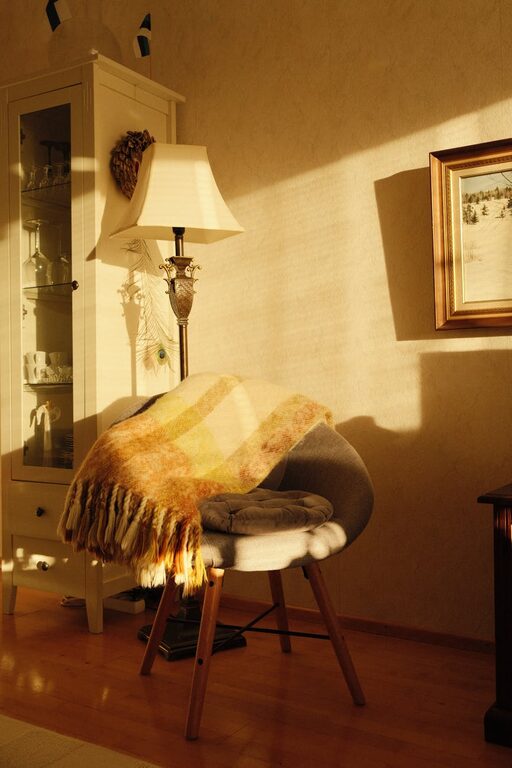
Working from home has become increasingly common, and having a dedicated, organized workspace is key to staying productive. Whether you have a small nook or an entire room to use, organizing your home office smartly can improve focus, reduce stress, and enhance your overall work experience. In this post, we’ll explore practical tips to help you create a productive home workspace that meets your needs.
1. Choose the Right Location
Find a Quiet Spot
Pick a place with minimal distractions. Ideally, choose a room or corner away from household noise and traffic. This helps you maintain concentration and separate work from home life.
Consider Natural Light
Position your desk close to a window if possible. Natural light can boost your mood and energy levels during long work hours. Use curtains or blinds to adjust brightness when needed.
2. Invest in Comfortable Furniture
Ergonomic Chair
A supportive chair helps prevent back pain and fatigue. Look for adjustable chairs that provide lumbar support and allow your feet to rest flat on the floor.
Spacious Desk
Choose a desk large enough to hold your computer, accessories, and notes without clutter. Adjustable desks or standing desk converters can offer flexibility.
3. Keep Your Workspace Organized
Declutter Regularly
Remove items you don’t need daily. A clean surface helps minimize distractions and promotes clear thinking.
Use Storage Solutions
Organize supplies with shelves, drawers, baskets, or filing cabinets. Label storage containers for easy access.
Cable Management
Use clips, ties, or cable sleeves to keep cords tidy and out of the way. This also reduces the risk of tripping or unplugging something accidentally.
4. Personalize Your Space with Purpose
Add Meaningful Decor
Personal touches like photos, artwork, or plants can make your workspace inviting and comfortable. Choose items that motivate or inspire you without causing distraction.
Keep it Simple
Avoid overdecorating; too many items may create visual clutter. Aim for a balance between functionality and aesthetics.
5. Set Up Efficient Lighting
Layer Your Lighting
Combine overhead lighting with task lights. A desk lamp with adjustable brightness ensures you have enough light without glare or shadows.
Choose the Right Bulbs
Opt for daylight or cool white bulbs to keep you alert. Warm light is better for relaxing, so use it outside of work hours.
6. Minimize Distractions
Use Noise Control
If you can’t find a quiet spot, try noise-canceling headphones or background music designed for focus.
Manage Digital Interruptions
Turn off non-essential notifications on your phone and computer. Consider apps that block distracting websites during work hours.
7. Keep Essentials Within Reach
Prioritize Daily Tools
Keep your most-used items—pens, notebooks, phone charger, water bottle—near your work area to avoid disrupting your workflow.
Create a “Work Zone”
Designate an area for specific tasks like printing, planning, or brainstorming to improve efficiency.
8. Implement a Routine for Tidying Up
End-of-Day Clean-Up
Spend a few minutes each day putting things back in order. This habit prepares your space for the next day and reduces clutter buildup.
Weekly Deep Clean
Once a week, thoroughly clean your workspace, dust electronics, and update any supplies.
9. Incorporate Movement and Break Ideas
Space for Stretching
If possible, leave room to stand up and stretch during breaks. Even short movement can refresh your body and mind.
Break Reminders
Use timers or apps to remind yourself to take regular breaks, helping you maintain focus and avoid burnout.
Final Thoughts
Organizing a productive home workspace is about tailoring your environment to support your unique work needs and habits. By finding the right spot, investing in comfortable furniture, managing clutter, and setting up effective lighting and storage, you can create a space that encourages focus and productivity. Remember, small changes can make a big difference in how you work from home. Take time to adjust your workspace as needed and enjoy a more efficient, comfortable workday.
About the Author